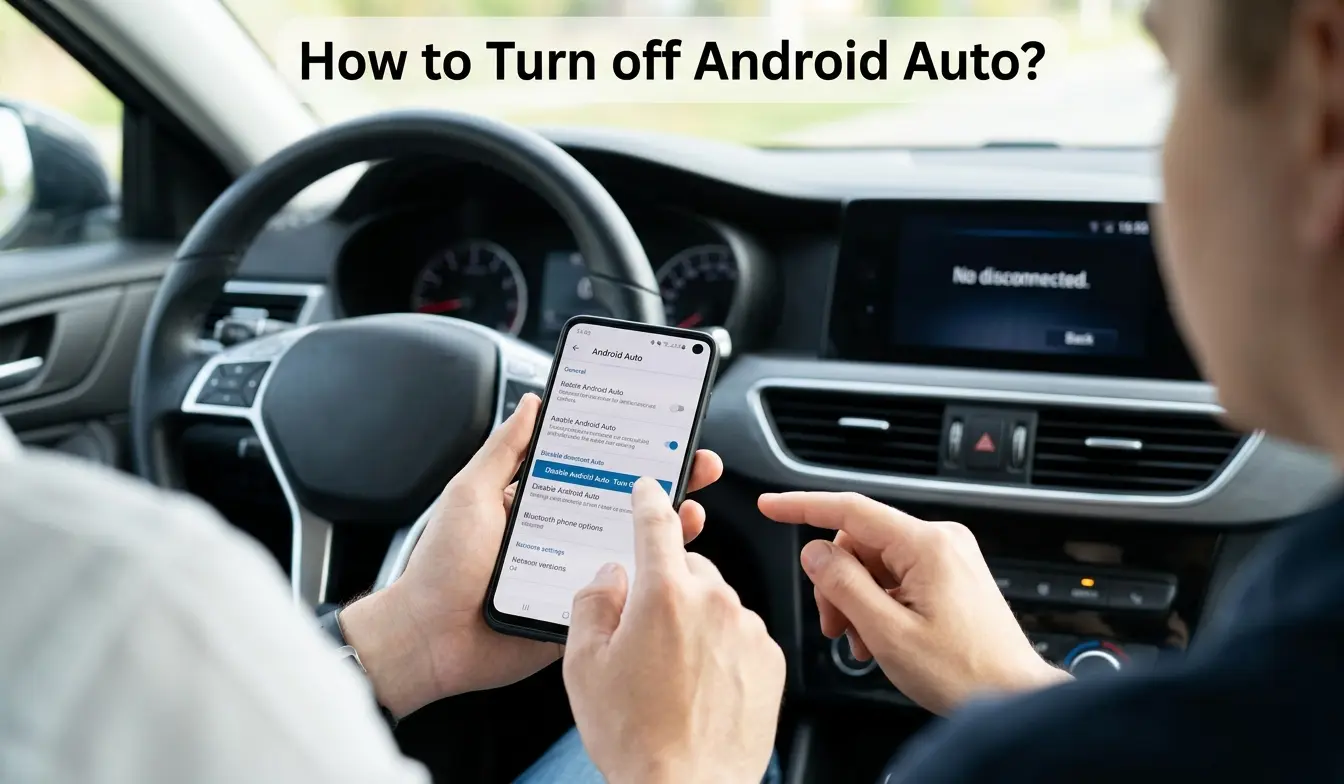
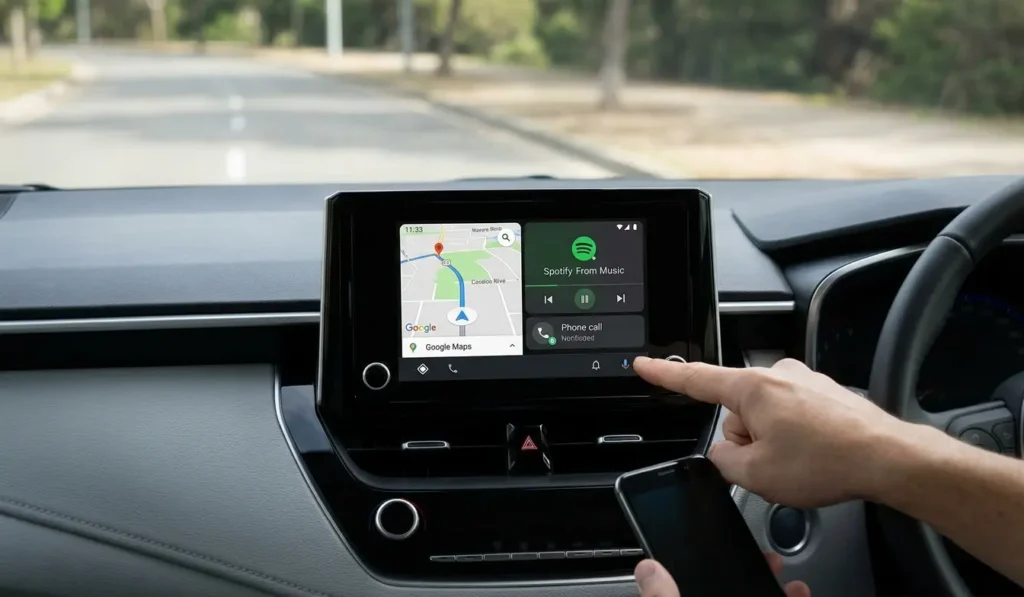
Android Auto is a built-in driving feature that connects your phone to your car’s screen, allowing you to use navigation, calls, messages, and music with larger controls and voice commands.
Many drivers appreciate the convenience, yet others wonder whether it is truly necessary or simply another layer of technology to manage. Understanding how it works, and when it helps or gets in the way, can prevent frustration and improve safety on the road.
In this guide, you’ll learn what Android Auto is, how it functions in real driving situations, and whether you actually need it based on your habits and vehicle setup. We’ll explain the benefits, limitations, and common misunderstandings so you can make a practical, informed decision before relying on it every day.
What Is Android Auto?
Android Auto is a built-in feature that connects your smartphone to your car’s display so you can use key apps in a safer, simplified way while driving. Instead of handling your phone directly, you interact with larger icons, voice commands, and steering-wheel controls.
The system focuses on essential tasks, navigation, communication, and media, so drivers spend less time looking down at a screen.
In simple terms, it acts as a bridge between your phone and your vehicle. Once connected, the car screen shows compatible apps designed for driving conditions.
This design follows widely accepted road-safety guidance, which encourages hands-free interaction to reduce distraction. Still, the feature does not eliminate risk entirely. Drivers must stay attentive and use it responsibly.
How Does Android Auto Work?
Android Auto works by linking your phone to the car’s infotainment system. After the connection is established, supported apps appear on the dashboard screen, ready for voice or touch control. The phone handles the processing, while the car display acts as the interface.
Connection Methods
USB Connection
A wired connection remains the most reliable option. You plug the phone into the car using a USB cable, and the system launches automatically.
Because the cable provides stable data transfer and power, this method reduces lag and prevents sudden disconnections.
Bluetooth Connection
Bluetooth handles basic pairing between the phone and the vehicle. It allows calls and audio streaming even without a cable.
However, Bluetooth alone usually cannot run the full Android Auto interface, so it often works alongside another connection method.
Wireless Connection
Some newer vehicles support wireless connections using Wi-Fi and Bluetooth together. This setup feels convenient because you can leave the phone in your pocket. On the other hand, it may drain the battery faster and occasionally struggle in areas with weak signals.
Regardless of the method, the process follows the same principle: once the phone connects, compatible apps appear on the car’s screen.
That visibility makes navigation and communication easier to manage without constant phone handling.
What Can You Do With Android Auto?
Most drivers use Android Auto for everyday tasks that normally require a phone. The system organizes these tasks into simple, easy-to-read controls.
1. Navigation
You can follow directions using mapping apps that provide traffic updates, route changes, and estimated arrival times. Voice prompts guide you step by step, which helps reduce the need to glance at the screen.
2. Music and Media
Drivers often play music, podcasts, or audiobooks during trips. The interface keeps playback controls large and clear, so adjusting volume or skipping tracks takes only a quick tap or voice command.
3. Calls
Hands-free calling remains one of the most practical features. You can answer or place calls through the car’s speakers, allowing both hands to stay on the wheel.
4. Messages
Incoming messages can be read aloud, and replies can be dictated verbally. This approach limits typing while driving, which many safety organizations strongly discourage.
5. Voice Assistant
Voice commands control most functions. You can ask for directions, send messages, or play music without touching the screen. The system responds quickly because the phone processes the request in the background.
Is Android Auto Free or Does It Have a Monthly Fee?
Android Auto itself is free to use. You do not pay a subscription to install or activate it on your phone. That said, a few indirect costs may still apply.
Mobile Data
Navigation, streaming, and voice services rely on an internet connection. If your mobile plan has limited data, frequent use can increase charges.
Car Hardware
Some vehicles include the feature by default, while others require compatible infotainment systems. Upgrading hardware can add expense, especially in older cars.
Understanding these factors helps drivers plan realistically. The software may be free, but the surrounding technology still carries operating costs.
Where Is Android Auto on My Phone?
Many people search their app list and assume the feature is missing. In reality, modern Android versions integrate it directly into system settings rather than displaying a separate icon.
On phones running Android 10 or later, follow this path: Settings → Connected devices → Android Auto
From there, you can adjust permissions, manage connections, and control automatic launch behavior. If the menu seems hard to find, use the search bar inside Settings. Typing the feature name usually leads straight to the correct page.
What Is Android Auto and Do I Really Need It?
Whether you need Android Auto depends largely on your driving habits and technology preferences. Some drivers rely on it daily, while others manage perfectly well without it.
Use Android Auto if:
- You drive frequently for work or long commutes
- You depend on navigation apps for directions
- You prefer hands-free calls and voice commands
- You want a familiar phone interface on the dashboard
Skip Android Auto if:
- Your car already includes reliable built-in navigation
- You rarely drive or take short trips
- You prefer minimal digital features while driving
Think of it as a convenience tool rather than a necessity. For regular drivers, it can simplify daily routines. For occasional drivers, the benefits may feel less noticeable.
Pros and Cons of Android Auto
Pros
- Reduces the need to handle your phone while driving
- Provides clear navigation and real-time traffic updates
- Keeps communication hands-free
- Integrates familiar apps into one interface
Cons
- Can drain battery during long trips
- Requires compatible hardware
- May cause distraction if overused
- Depends on mobile data for many features
Balancing these factors helps you decide whether the system fits your routine. Convenience matters, but safety and reliability matter more.
Android Auto vs Bluetooth
Bluetooth allows basic functions such as calls and audio streaming. Android Auto expands those capabilities by displaying apps directly on the car screen.
In practical terms, Bluetooth handles communication, while Android Auto manages a full driving interface. If you only need phone calls and music, Bluetooth may be enough. If you rely on navigation and messaging, the additional features become valuable.
Android Auto vs Apple CarPlay
Both systems serve the same purpose: connecting a smartphone to a vehicle display. The main difference lies in the type of phone you use. Android Auto works with Android devices, while Apple CarPlay supports iPhones.
From a usability standpoint, the experience feels similar. Each system emphasizes large icons, voice commands, and limited distractions. Choosing between them usually depends on the phone already in your pocket rather than the vehicle itself.
Conclusion
Android Auto offers a practical way to manage navigation, calls, and media while keeping attention on the road. It works best for drivers who travel often and rely on their phones for directions or communication.
At the same time, it is not essential for everyone. Some vehicles already provide similar features, and occasional drivers may see little difference.
Before deciding, consider how you drive, how often you use navigation, and how comfortable you feel with in-car technology. A thoughtful choice will help you balance convenience, cost, and safety, three factors that matter every time you get behind the wheel.
FAQ’s
Is Android Auto a must?
No, Android Auto is not essential for every driver. It helps people who rely on navigation, hands-free calls, or music while driving. However, if your car already has built-in navigation or you drive occasionally, you may not need it.
What are common problems with Android Auto?
Common issues include connection failures, sudden disconnections, battery drain, and apps not launching properly. These problems often occur with outdated software, weak cables, or incompatible settings. Updating your phone, using a quality USB cable, and checking permissions usually fixes most errors.
Is there a better alternative to Android Auto?
The best alternative depends on your device and car system. iPhone users typically use Apple CarPlay, while some drivers rely on built-in car navigation or simple Bluetooth connections. Each option offers different features, so the right choice depends on your needs and driving habits.
What phones are compatible with Android Auto?
Most smartphones running Android 8.0 or later support Android Auto. Popular brands such as Samsung, Google Pixel, Xiaomi, and OnePlus work without issues. The phone must have an active internet connection, updated software, and a compatible car system.
What apps work with Android Auto?
Android Auto supports navigation, music, messaging, and calling apps designed for driving. Common examples include Google Maps, Waze, Spotify, YouTube Music, WhatsApp, and Audible. Only approved apps appear on the car screen to reduce distractions and improve safety.